
SHAREit
SHAREit is a free Windows app from the SHAREit Team for moving photos, videos and documents between a PC and a phone. The current version is 5.1.0.7.
22.7 MB

Tailscale is an open-source mesh VPN based on WireGuard that links your devices into one private network. Version 1.102.4 is the current Windows release.
Average 0.0 · ratings: 0
Thank you! Your rating is saved; you can change it. Could not save the rating. Please try again later. Too many ratings from your network today. Please try again tomorrow. The average appears after 5 ratings.
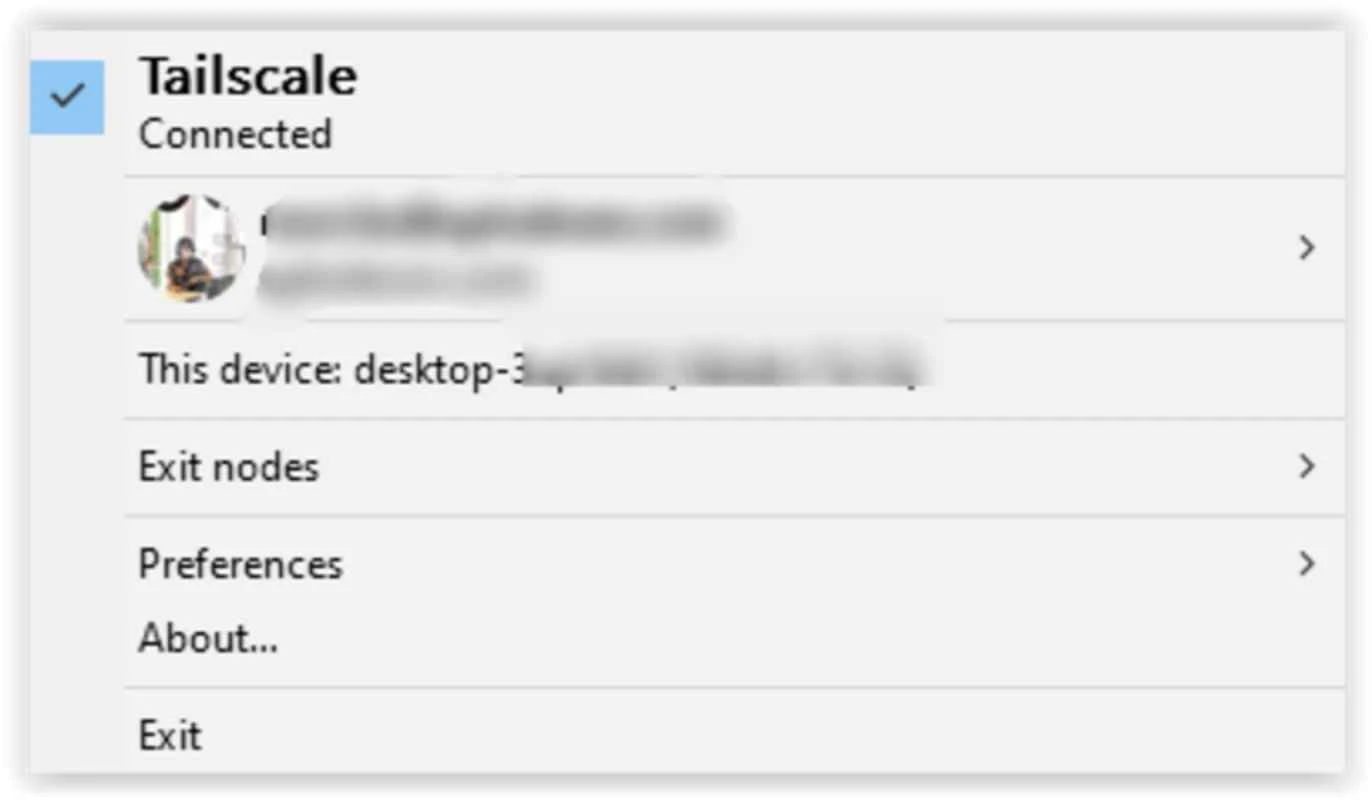
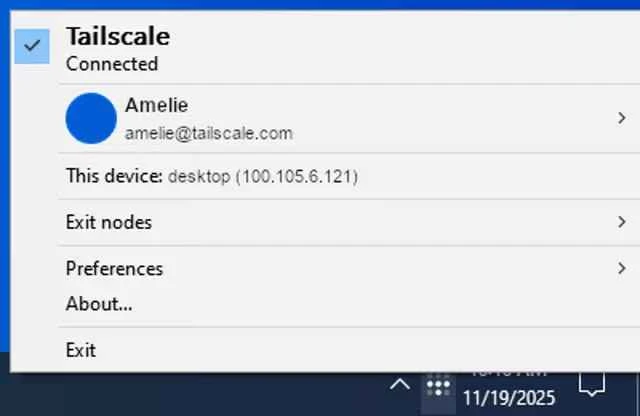
Tailscale 1.102.4 for Windows is the latest release of the mesh VPN from Tailscale Inc., built on WireGuard, that connects your computers, phones and servers into one private network. You can download it free from tailscale.com and have a PC joined to your network in a few minutes.
A classic VPN sends all traffic through one central server. Tailscale works differently: each device runs a small client, and the devices talk to each other directly over encrypted WireGuard tunnels, forming a mesh. The coordination service only helps them find each other and exchange keys; your data does not have to pass through a company server when a direct path exists. For you this means a home PC, a laptop at a café and a server in a data centre can reach each other by private addresses as if they sat on the same office network, without opening ports on the router. Typical uses include reaching a home file share or media server from anywhere, managing remote machines over SSH or remote desktop, and giving a small team access to internal tools without setting up a traditional VPN appliance. The client code is open source under the 3-clause BSD licence and published on GitHub. Releases are frequent: 1.102.1 appeared at the start of August 2026, and three fixes followed up to 1.102.4 on 10 September.
The installer is about 108.04 MB according to catalogue data. Tailscale does not publish a separate requirement sheet in our data; the installation guide lists the supported systems, and a current Windows PC with administrator rights for setup is enough in practice.
Connections between devices are encrypted with WireGuard. The main thing to protect is the account you sign in with, because it controls who joins the network, so use two-factor authentication there. Remove devices you no longer use from the admin console, and use access rules if several people share one network. Download the client only from tailscale.com.
Tailscale offers a free plan for personal use and paid plans for teams and businesses that need more users and administration features.
From the same networking category in our listings: OpenVPN GUI for classic VPN connections, and remote access tools such as TeamViewer and AnyDesk if you only need to control another PC. What changed in each release is listed in the Tailscale changelog; the source code is on GitHub.
SHAREit is a free Windows app from the SHAREit Team for moving photos, videos and documents between a PC and a phone. The current version is 5.1.0.7.

Zapya for Windows is a free file transfer app from DewMobile for moving files between a PC and phones over a local wireless connection.

Easy Connection to Screen is Samsung's Windows app for showing a PC's screen on a compatible Samsung TV over a wireless connection.

Internet Download Manager (IDM) is a shareware download manager for Windows from Tonec that accelerates, resumes and schedules downloads.

uTorrent (μTorrent) is a small BitTorrent client for Windows from Rainberry (BitTorrent Inc) for downloading and sharing files over torrents.

AnyDesk is a remote desktop application for connecting to and controlling another computer over the internet, from a small Windows program.

ShareMe is Xiaomi's free app for sending files between devices without a cable; on Windows the Android app runs only inside an emulator.

Xender is a free file sharing app from the Xender File Sharing Team for sending files between phones and computers over a local connection.